
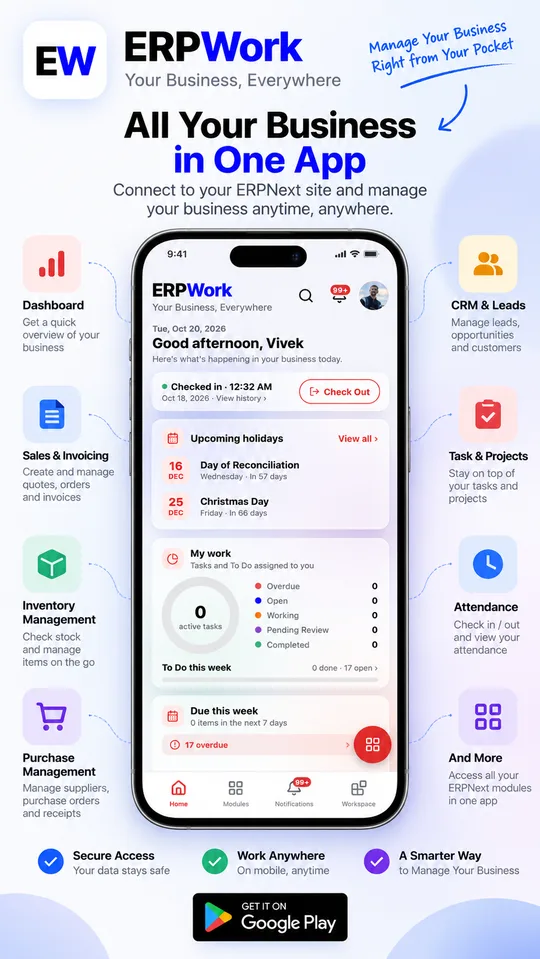
Home, built around your day
- Check in and check out with your location in one tap
- Attendance for the month, leave balances and upcoming holidays
- Your tasks, to-dos, what's due this week and reminders
- Choose and reorder the cards you want on Home

ERPNext mobile app for Android
ERPWork is a fast, native ERPNext mobile app that connects to your company's ERPNext site. Check in for work, see how sales and stock are doing, open any document and stay on top of notifications, all from your phone.
Features
Native screens for the things you do every day, and the full ERPNext desk for everything else.
Screenshots
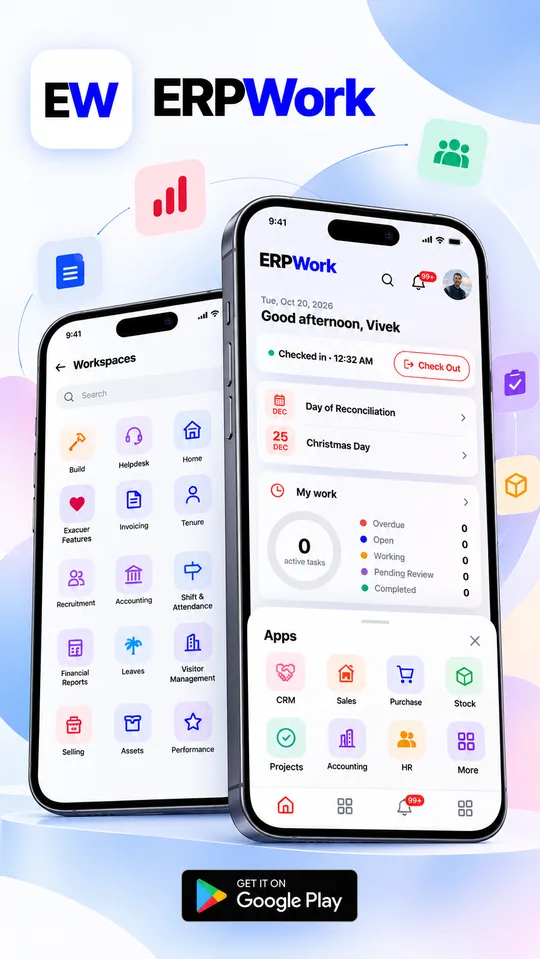
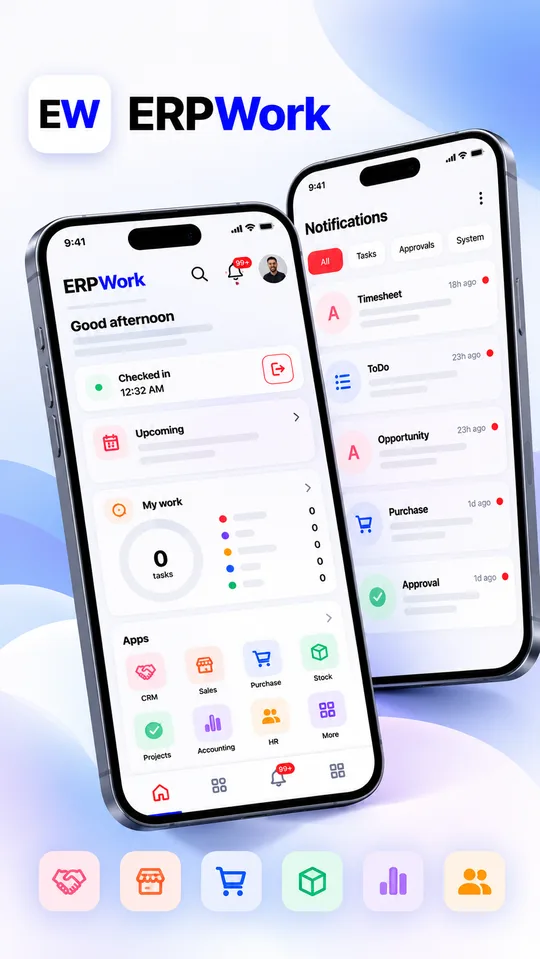
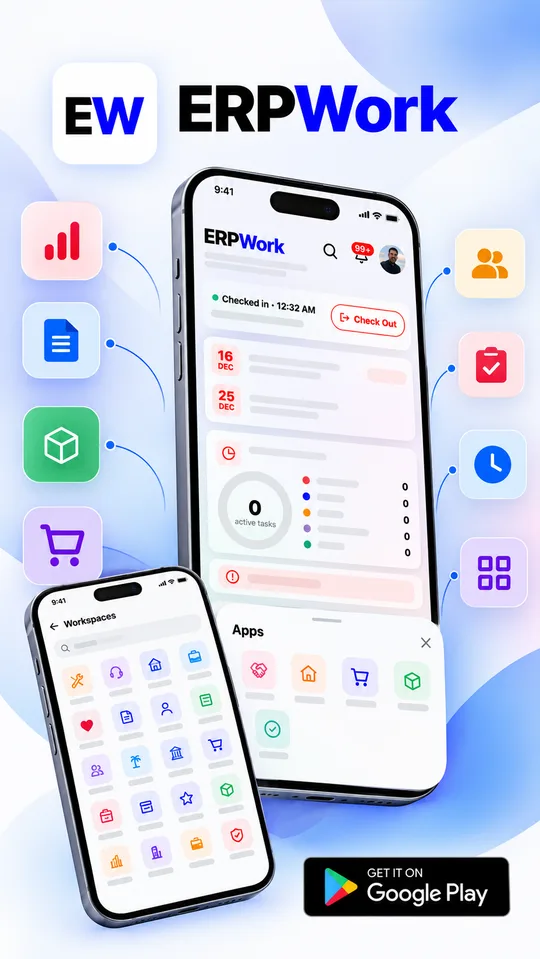
Swipe to see more →
Dashboards
Tap any chart to open the matching documents.
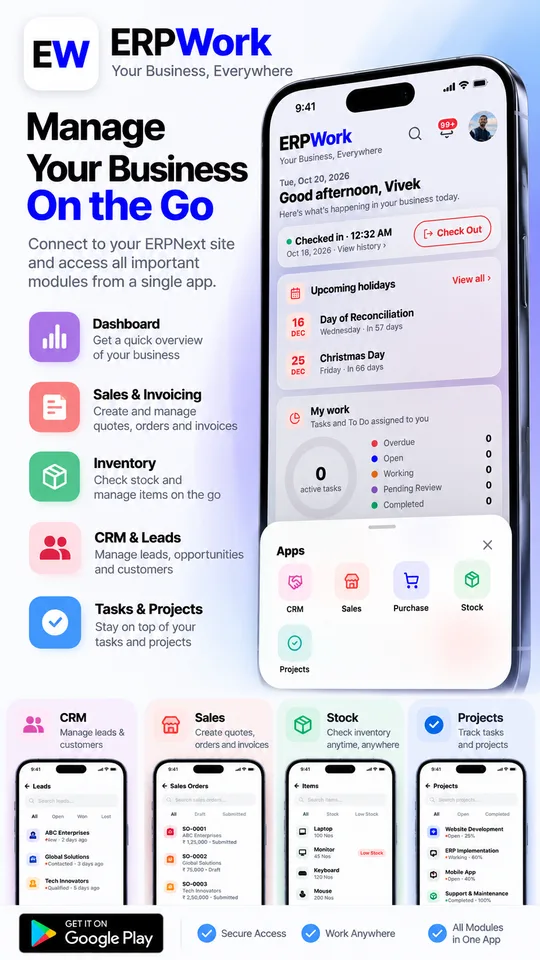
Sales this month, monthly trend, order status and top customers
Spend, payables, pending requests and top suppliers
Stock value per warehouse, movements and shortages
Pipeline value, sales funnel, lead sources and deal stages
Progress, hours and task status
Get started
Download the free app from Google Play on your Android phone.
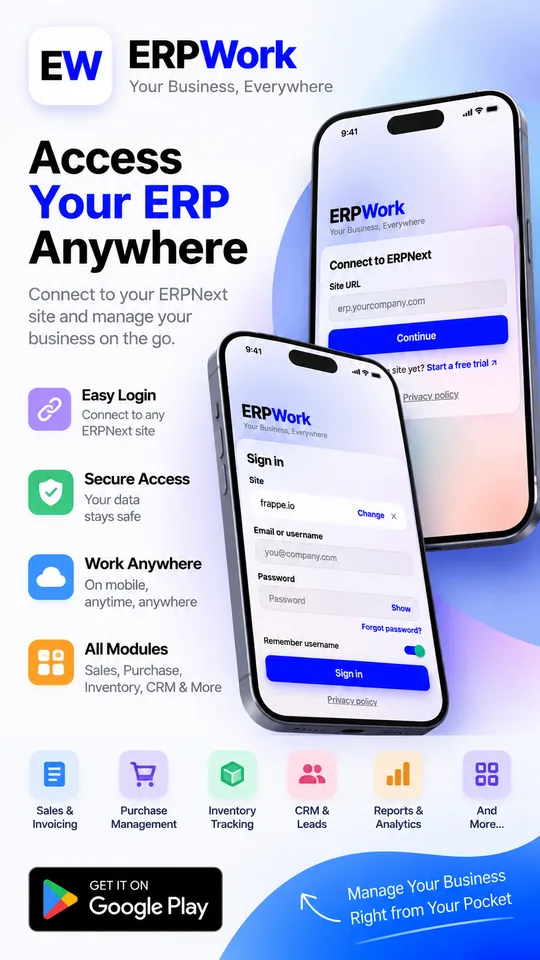
Enter your site address, username and password, the same ones your organisation gives you for ERPNext.
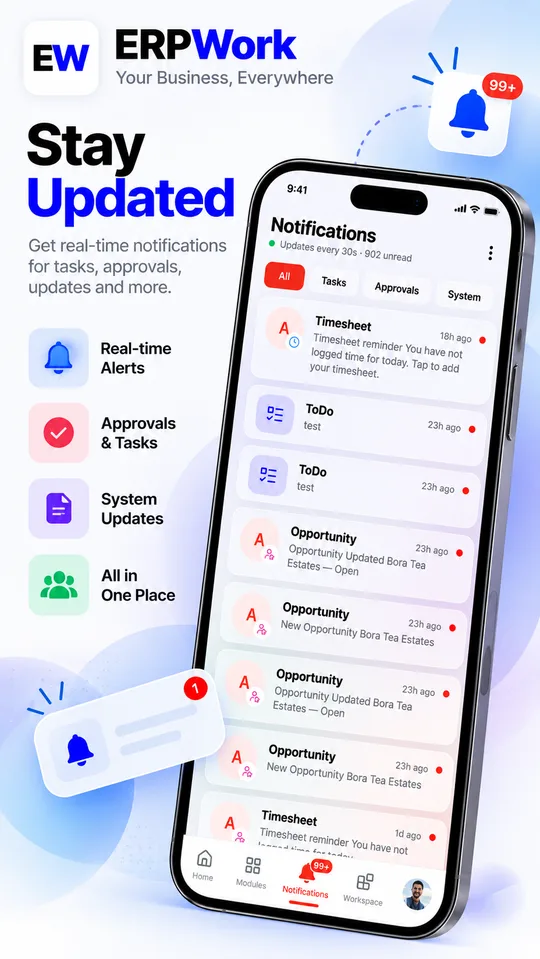
Pick the cards you want, check in for work and turn on notifications.
ERPWork needs an existing ERPNext account. New to ERPNext? Start a free trial on Frappe Cloud from the sign-in screen, or let us set up ERPNext for your business.
Security and privacy
FAQ
Yes. ERPWork is a free native Android app for ERPNext, available on Google Play. It connects to your company's existing ERPNext site.
Yes. Sign in with the site address, username and password your organisation gives you. If you're new to ERPNext, you can start a free trial on Frappe Cloud from the sign-in screen.
Yes. ERPWork is free to download and use, and it's supported by ads.
Your data stays on your organisation's ERPNext site. ERPWork talks directly to that site and only shows what your ERPNext permissions allow.
Yes. You can check in and check out with your location in one tap, and see your monthly attendance, leave balances and upcoming holidays.
Yes. ERPWork supports several sites and saved logins, and you can switch between them in a tap.
No. ERPWork is an independent app made by Build with Vivek. It is not an official app of Frappe Technologies, and ERPNext is a trademark of its owner.
ERPWork is currently available for Android on Google Play.
Free on Google Play. Sign in with your ERPNext site and your whole business is a tap away.
GET IT ONGoogle PlayQuestions or feedback? choudharyvivek195@gmail.com
ERPWork is an independent app made by Build with Vivek. It is not an official app of Frappe Technologies, and ERPNext is a trademark of its owner. ERPWork is free and supported by ads. Google Play and the Google Play logo are trademarks of Google LLC.